
Bring a clear photo
Face forward in even light. Include your hair, shoulders and the outfit you want to keep; leave group photos for the couple scene.
Your photo. The burger. That stare.
Put yourself on the other side of the glass. Choose a scene, add a photo and set up the slow zoom, the interrupted snack and the perfectly awkward curtain close.
A few reference clips to understand the camera move and the pause. Sound stays off until you choose to play it.
Third-party reference footage. Illustrates the effect; it is not a result made from your photo.
Choose recurring credits or a one-time pack. A Standard 720p scene is quoted at 10 credits; higher models and resolutions use more. Explore the plans now—purchasing opens soon.
Basic
100 credits
Pro
200 credits
Studio
450 credits
Pay once for a credit pack. Come back when the next idea hits.
Single
10 credits · Estimated 1 video
Duo Pack
50 credits · Estimated 5 videos
Crew Pack
250 credits · Estimated 25 videos
Studio Pack
600 credits · Estimated 60 videos
Label Pack
1,800 credits · Estimated 180 videos
USD. Video counts are estimates at 10 credits each, not a guarantee of completed results. A different model or resolution changes the credit quote.
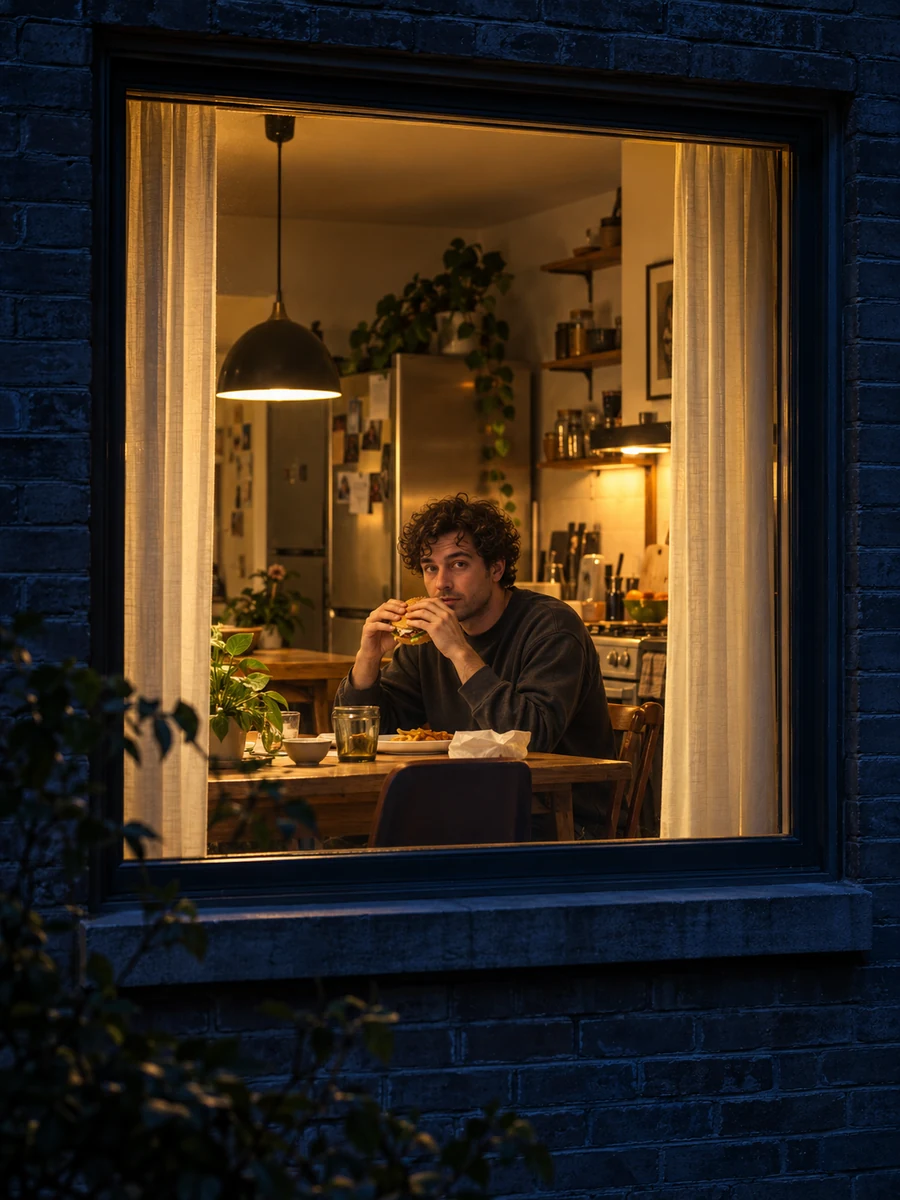 AI scene illustration
It is a staged photo-to-video meme built around a change of perspective. At first you are watching an ordinary late-night snack through an apartment window. Then the person inside notices the camera, holds the look and ends the scene with a curtain. The joke is the sudden eye contact—not secretly filming a real neighbor.
The useful starting point is a clean portrait, not an elaborate prompt. Keep the face and clothing visible, pick the scene that fits your joke, then use the settings to balance detail and credit cost.
Prefer the burger hand-off? Explore burger thru windowFace forward in even light. Include your hair, shoulders and the outfit you want to keep; leave group photos for the couple scene.
Choose classic burger, a hand-off, a wave, noodles, pizza, a dinner for two or a pet. Compare the reference and scene illustration before deciding.
Pick portrait for a phone feed, square for a compact crop or landscape for more room. Check the credit quote, and review any finished clip before sharing.
Use this as a creative shot plan for a roughly 14-second reference-style scene. AI timing and motion can vary.
Start outside. A dark facade and one warm room make the subject easy to spot.
Keep the meal ordinary. A small, readable movement makes the next beat land.
Leave a little silence in the movement. Rushing the stare removes the awkwardness.
Close the curtain for the classic punchline, or offer the burger for a friendlier twist.
Each original illustration is a scene idea, not a promised video frame. Select one to update the studio above.
01The snack, the stare, the curtain.
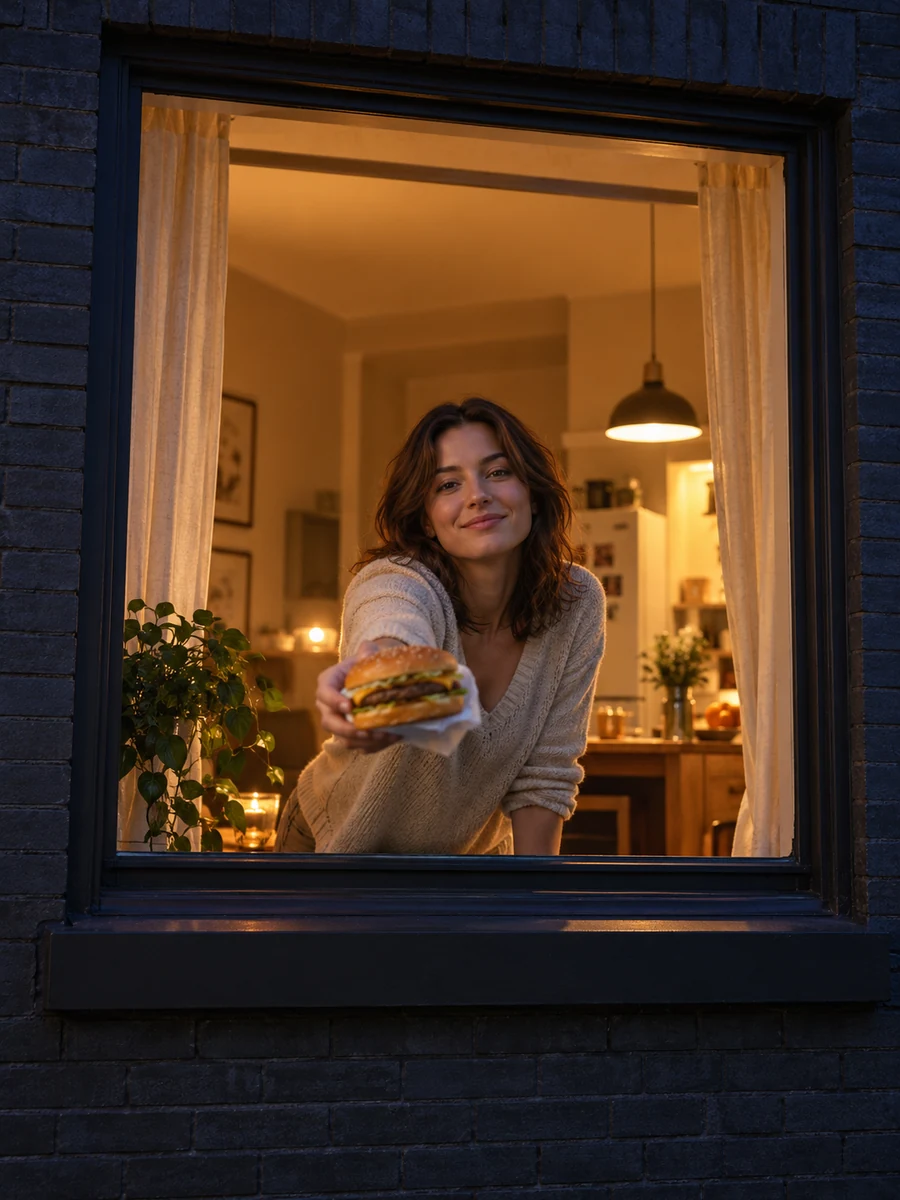 02
02Caught eating? Offer the camera a bite.
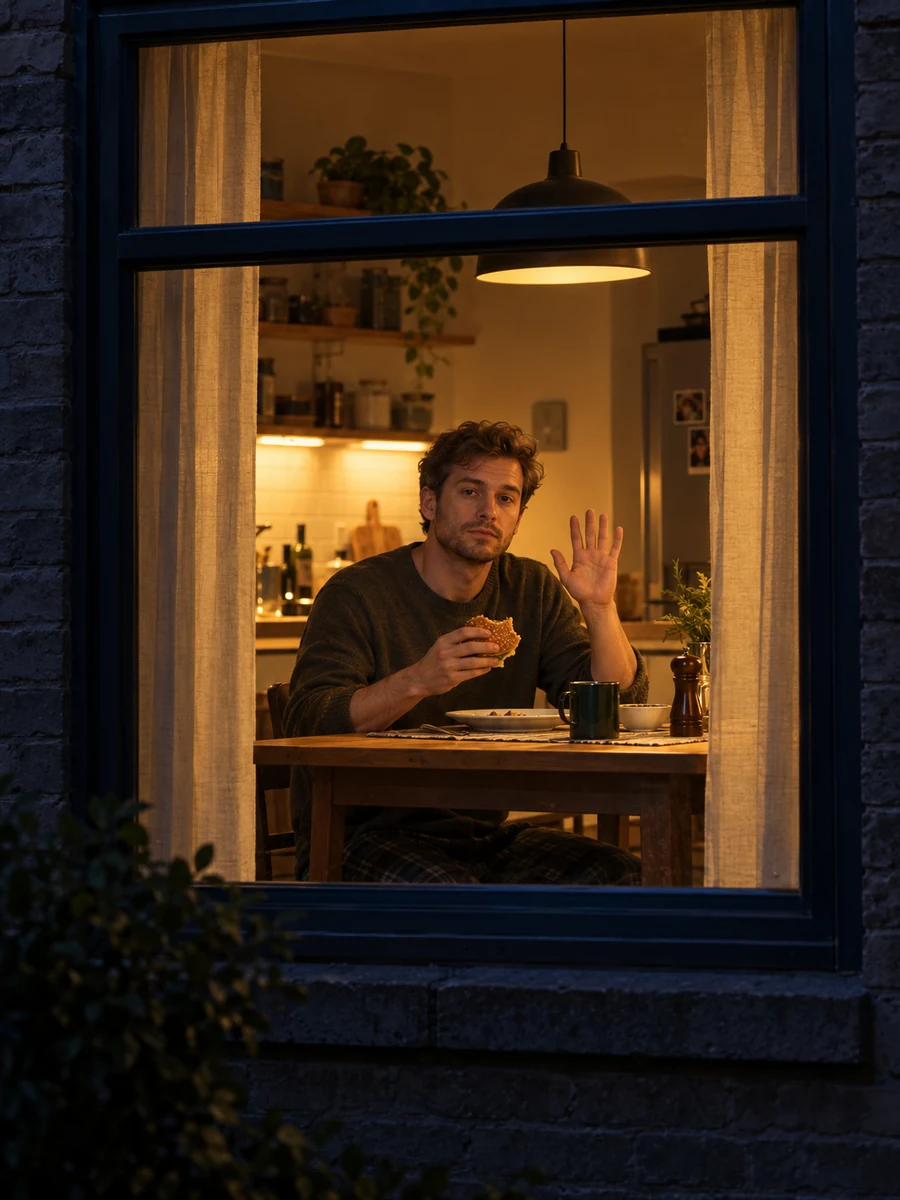 03
03A small wave makes it even more awkward.
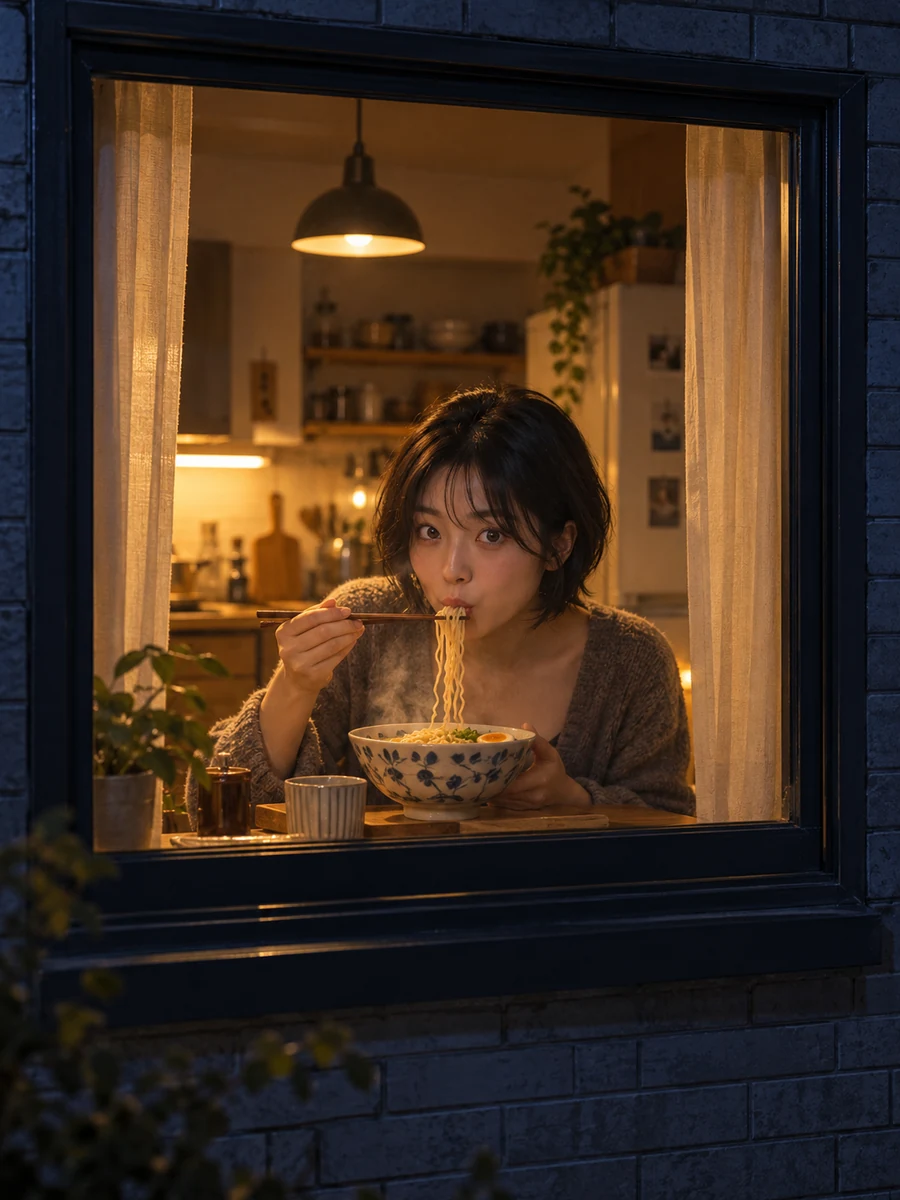 04
04A quiet bowl of noodles, interrupted.
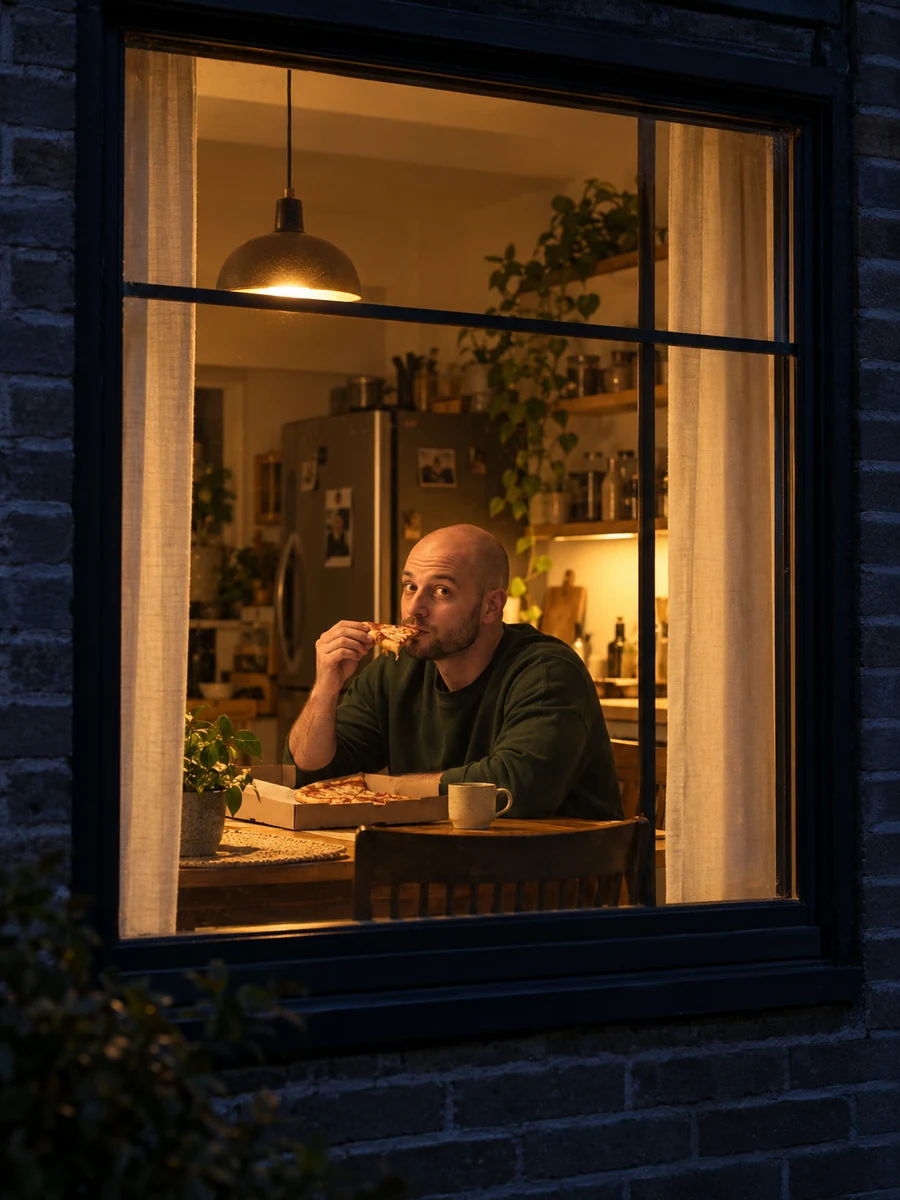 05
05One slice. A very long pause.
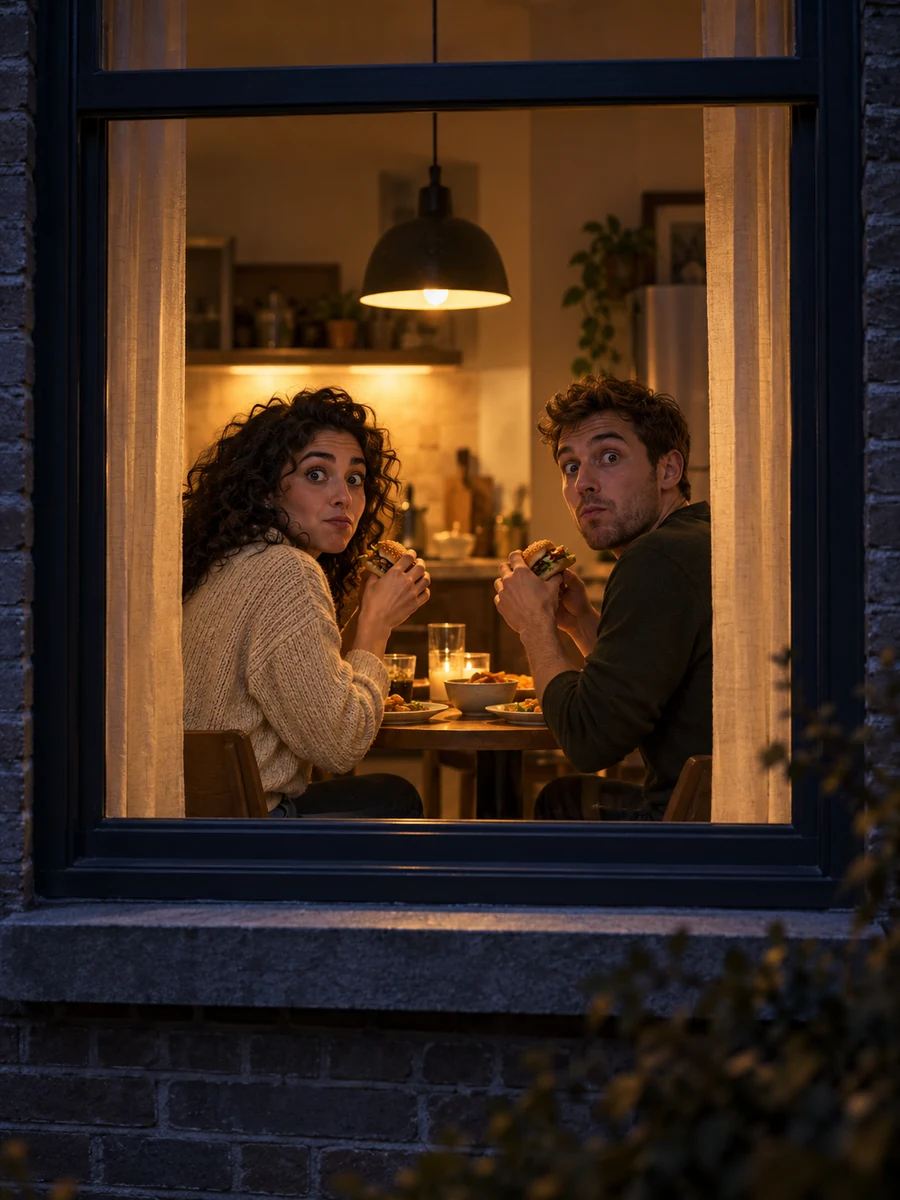 06
06Two people notice the camera together.
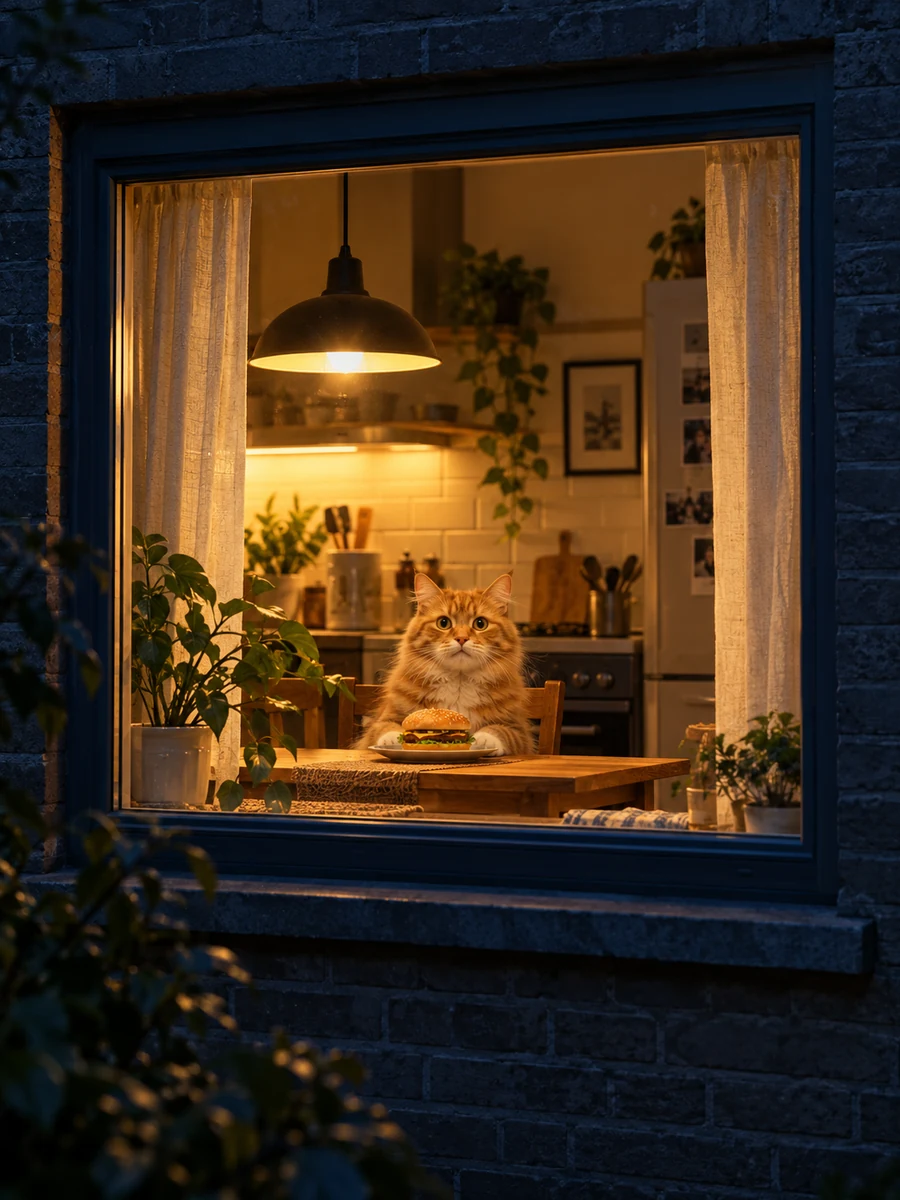 07
07Your pet has some explaining to do.
The useful starting point is a clean portrait, not an elaborate prompt. Keep the face and clothing visible, pick the scene that fits your joke, then use the settings to balance detail and credit cost.
Night exterior of an apartment building. The camera slowly approaches one warm-lit window. Inside, an adult sits at a table eating a burger, notices the camera and pauses with a deadpan look. After a quiet beat, they stand and draw the curtain closed. Natural room light, steady camera movement, restrained expression, no text or logos.
Photos, credit plans and what you can try today.
It is a photo-to-video scene builder for the night-window meme: a meal, a sudden stare and a curtain ending. This preview lets you choose scenes, photos and settings; video creation will open separately.
It is a burger-focused variation of the broader window-peeper scene. Some versions end with a curtain, while others offer the burger toward the camera. Our dedicated guide explains those choices without treating every template as identical.
The scene picker supplies a clear starting idea, so you do not need to build an editing timeline to prepare a version here. The optional prompt below is a writing aid, not an official CapCut template or a verified creator prompt.
Choose a sharp, evenly lit portrait with visible eyes, hair and shoulders. Avoid sunglasses, heavy filters and tight face crops. For Couple Dinner, choose two solo portraits or one clear photo of both adults.
The displayed quote depends on the model and resolution: Standard is 5 credits at 480p or 10 at 720p. The pricing section lists planned packs from $5.99 and subscriptions from $28.90 per month. Purchasing and generation are not yet open in this preview.
Use your own photo, a pet photo you control, or an adult who has agreed to the use. Do not upload minors or use public figures for impersonation. Keep the scene playful and avoid targeting real neighbors.
No. Players marked Reference clip are third-party footage used to explain the visual idea. Images marked AI scene illustration are original fictional examples. Neither is a promised output for your portrait, and your local preview is not submitted for generation.
The selected image is decoded in your browser for a local preview. This frontend does not send it to a video provider or publish it. Removing the photo or closing the page clears that local selection; do not treat this as a cloud backup.
Pick a scene. Bring a clear photo. Make the awkward pause your own.
Set up my scene